Ultrasound probes • biopsy guides • repair assessment

MODEL-SPECIFIC PRODUCT ENQUIRY
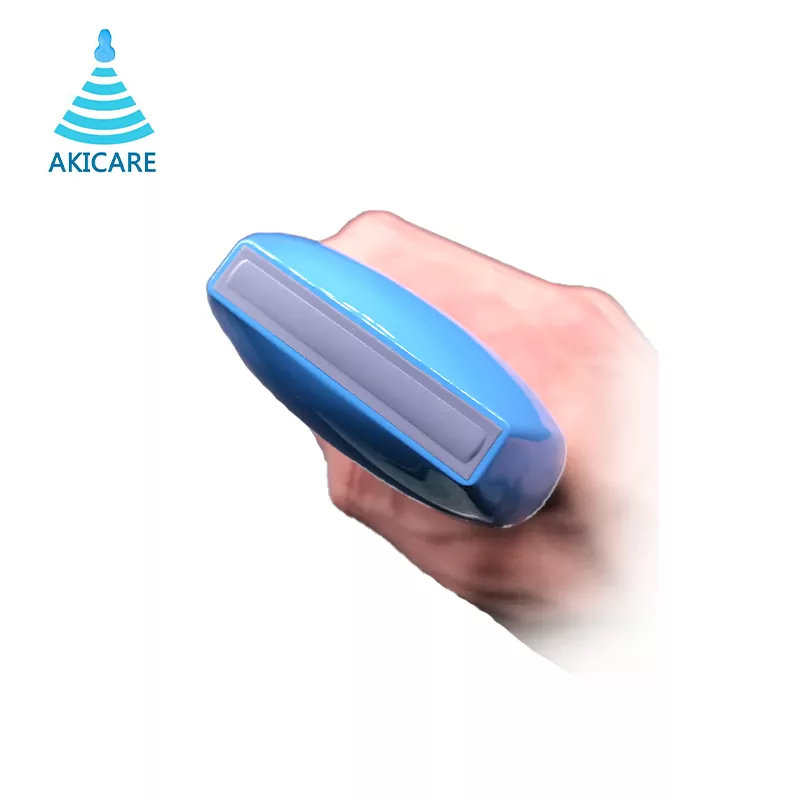
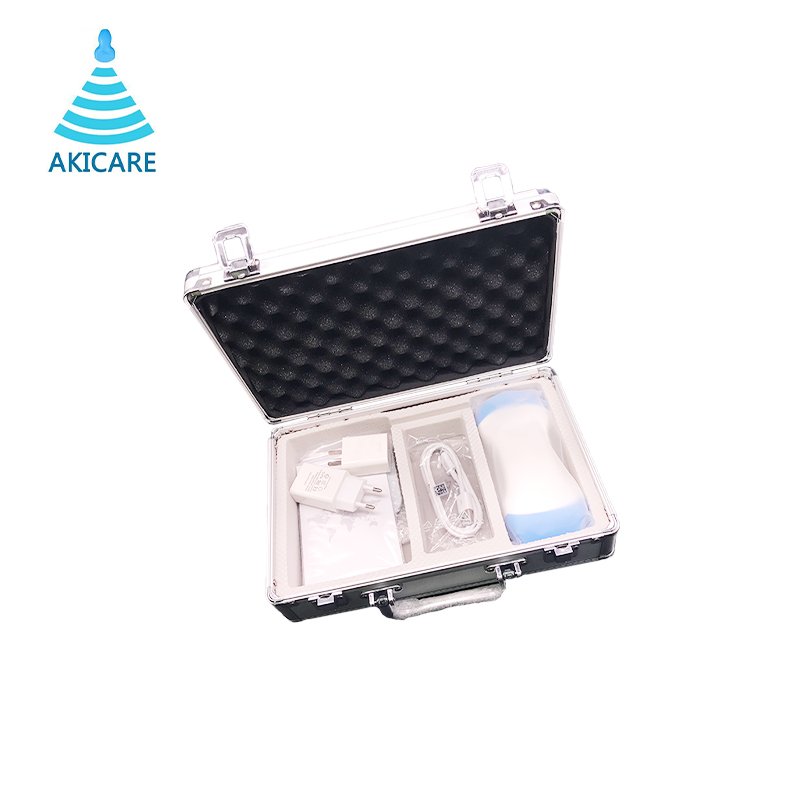
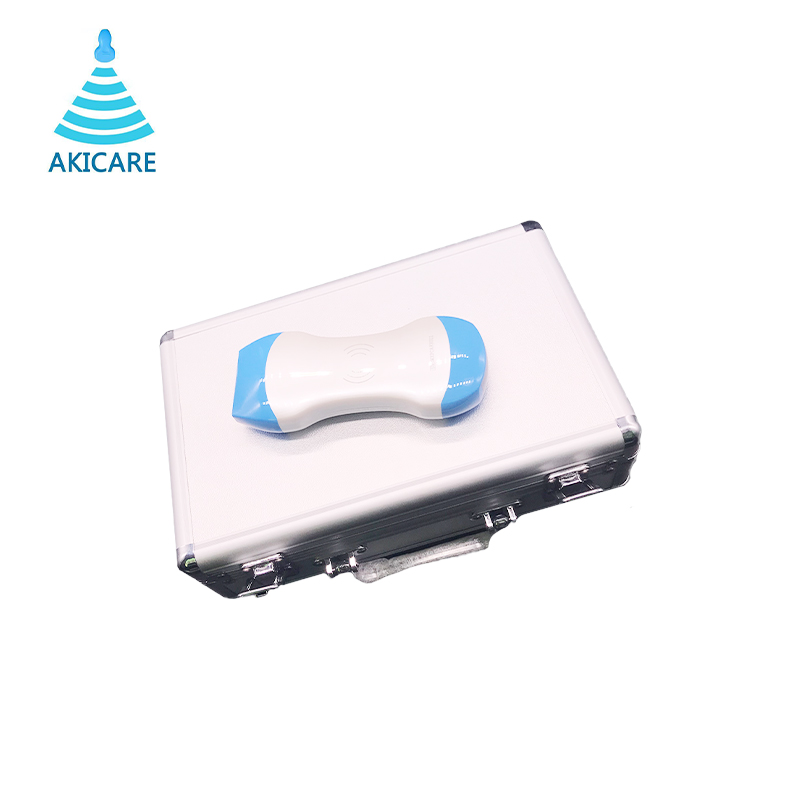
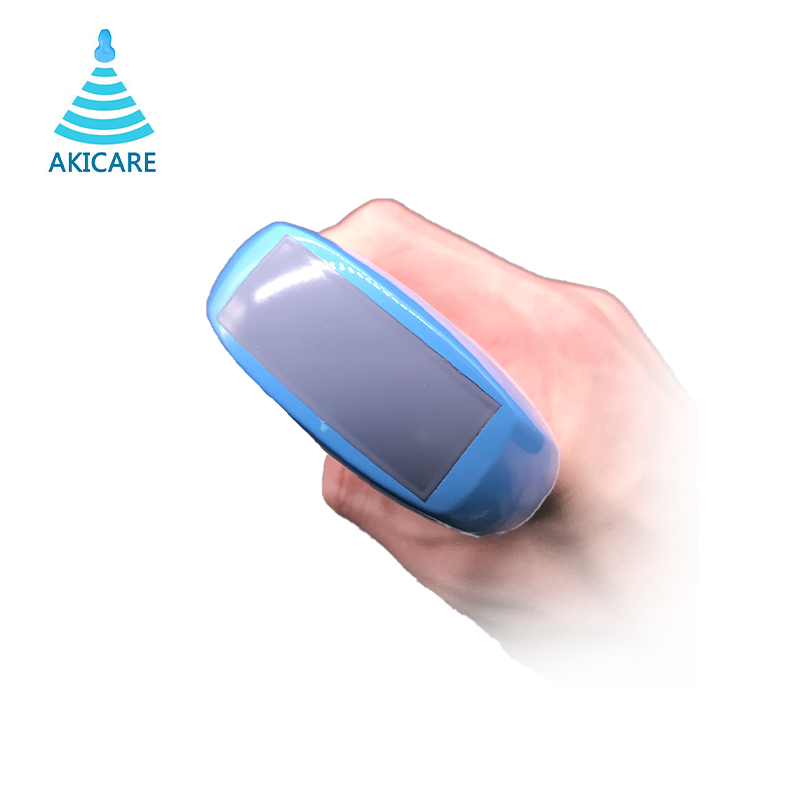
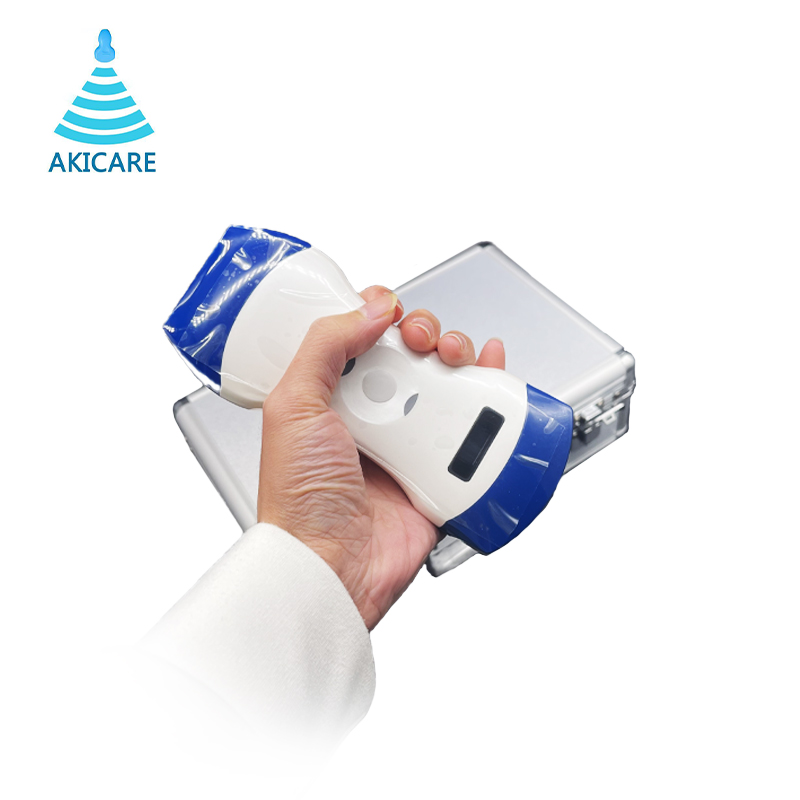
Akicare Three-in-one Wireless Ultrasound Probe
Wireless 3-in-1 ultrasound probe: convex, linear, phase array. B/M/Color/PDI/PW modes, WiFi to iOS/Android/Windows.
- Exact system and model compatibility is confirmed in the written quote
- Condition and current availability stated in the quote
- Test scope, timing and shipping confirmed per request
Catalogue content is a product reference, not a universal compatibility, inventory or delivery guarantee.
Product details
The Akicare Three-in-one is a wireless ultrasound probe that combines convex, linear, and phase array scanning in a single unit. It outputs B, B/M, Color, PDI, and B+PW display modes. The probe connects via WiFi (802.11g/20MHz/5G/450Mbps) to Apple iOS, Android, or Windows devices. It supports electronic convex, sectorial, and linear array scanning modes, with a probe element count of 96/128 and a 24-channel RF circuit board. The unit measures 156 x 60 x 20mm and weighs 290g.
This catalogue record specifies image adjustment functions including B Gain, TGC, DYN, Focus, Depth, Harmonic, De-noise, Color Gain, Steer, and PRF. Cine play offers auto and manual modes with frame settings of 100, 200, 500, or 1000 frames. Image frame rate is 18 frames per second. Measurement functions cover length, area, angle, heart rate, and obstetrics. Images and video can be saved in JPG, AVI, and DICOM formats. The battery provides 3-4 hours of working time and recharges wirelessly in 2 hours.
The convex head operates at 3.5MHz/5MHz with depths of 90/160/220/305mm and radii R45/R60. A virtual phased array (cardiac) scan mode is available with the convex head at the same frequencies and depths. The linear head operates at 7.5MHz/10MHz with depths of 20/40/60/100mm and an aperture of L40mm. Puncture assist includes in-plane and out-of-plane guide lines, plus automatic blood vessel measurement. For configuration details and accessories, contact Akicare; terms are confirmed per enquiry.
Related wireless ultrasound records in the same catalogue section include the CP-3C3L palm scanner and the Two-in-one CProbe; send an enquiry to compare configurations.
| Scanning mode | Electronic convex, sectorial, linear array |
|---|---|
| Display mode | B, B/M, Color, PDI, B+PW |
| Probe element | 96/128 |
| Convex head | 3.5MHz/5MHz, 90/160/220/305mm, R45/R60 |
| Linear head | 7.5MHz/10MHz, 20/40/60/100mm, L40mm |
| Image frame rate | 18 frames/second |
| Battery working time | 3-4 hours |
| Battery charge | by wireless charge, take 2 hours |
| Dimension | L156 x W60 x H20mm |
| Weight | 290g |
| WiFi type | 802.11g/20MHz/5G/450Mbps |
| Working system | Apple iOS, Android, Windows |
Frequently asked questions
What scanning and display modes does this probe support?
The probe supports electronic convex, sectorial, and linear array scanning. Display modes include B, B/M, Color, PDI, and B+PW. The convex head options are 3.5MHz/5MHz with depths to 305mm. The linear head operates at 7.5MHz/10MHz with depths to 100mm.
What are the battery and charging specifications?
Battery working time is 3-4 hours per charge. Charging is wireless and takes 2 hours. The unit dimensions are L156 x W60 x H20mm, and it weighs 290g. The probe connects via WiFi type 802.11g/20MHz/5G/450Mbps.
Which operating systems are compatible with this device?
The device works with Apple iOS, Android, and Windows. It saves images and video in JPG, AVI, and DICOM formats. Measurement functions include length, area, angle, heart rate, and obstetrics. Cine play frame settings can be set to 100, 200, 500, or 1000.
How can I order this product or get configuration details?
Ordering terms are agreed per enquiry. Contact Akicare for pricing, availability, and configuration options. Accessories and alternative models (e.g., CProbe, CP-3C3L) may be available upon request. All commercial terms are confirmed at the time of enquiry.
Before ordering
Confirm the host system
Provide the system model and software or connector details when relevant.
Request current photos
Ask for model-specific photos and the stated condition of the offered item.
Review the quote scope
Check condition, compatibility, testing, timing and shipping before approval.
RELATED CATALOGUE ENTRIES
Compare nearby models before requesting a final match.
PRODUCT INQUIRY
Confirm this model against your system.
Include the system model, required condition or service, quantity and destination.