Ultrasound probes • biopsy guides • repair assessment

MODEL-SPECIFIC PRODUCT ENQUIRY
Akicare VE-40 Infrared Vein Detector
Infrared vein detector with DLP projection, 850NM wavelength, 10mm depth, 0.2mm accuracy, three colours, three modes.
- Exact system and model compatibility is confirmed in the written quote
- Condition and current availability stated in the quote
- Test scope, timing and shipping confirmed per request
Catalogue content is a product reference, not a universal compatibility, inventory or delivery guarantee.
Product details
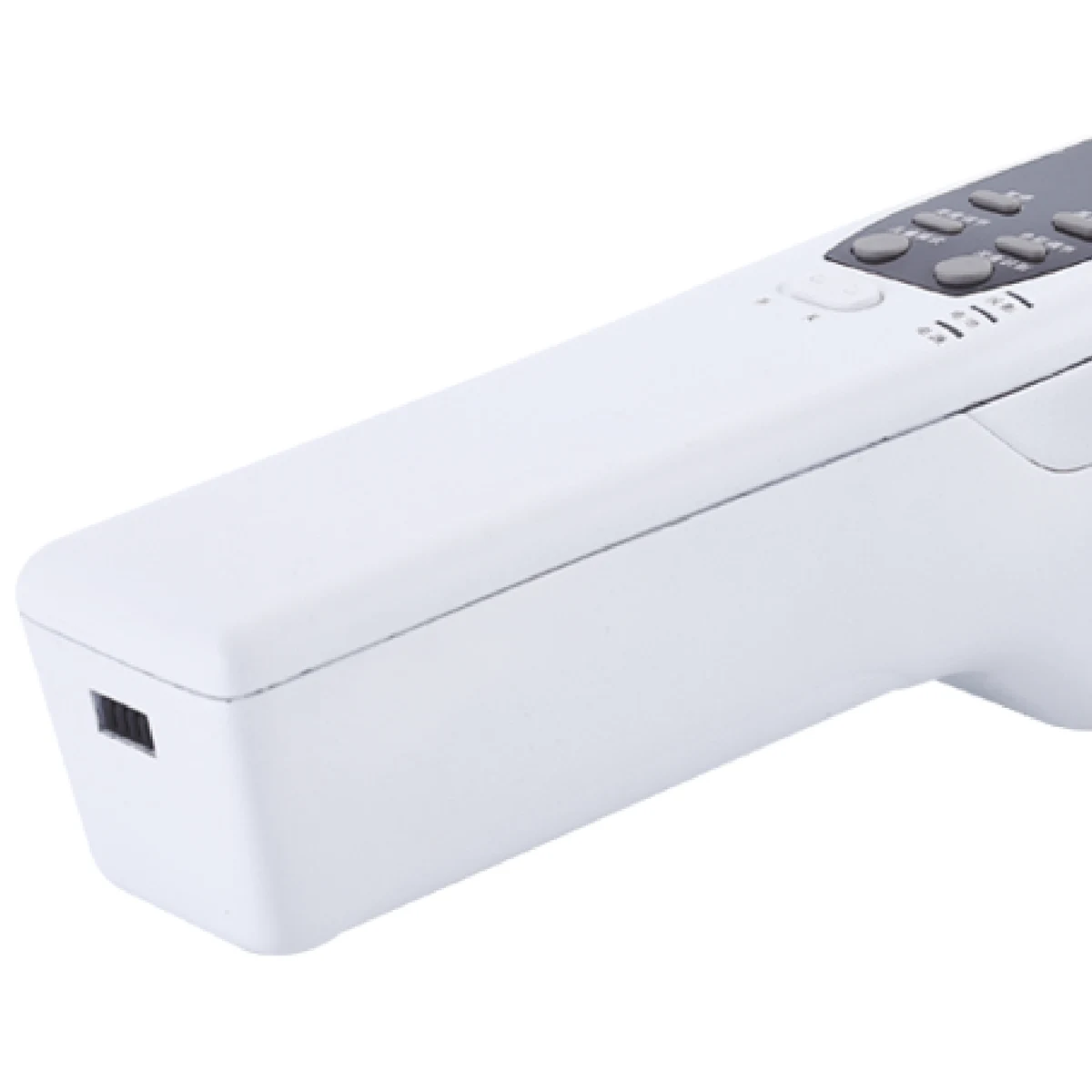
The Akicare VE-40 is an infrared vein detector that projects an image of subcutaneous veins directly onto the skin surface. It operates on the principle that veins absorb infrared light differently from surrounding tissue. The unit uses DLP in-situ projection, which is a non-laser method. This catalogue record describes the technical specifications for procurement evaluation. The device provides a visual comparison of vein location relative to other body tissues for operator reference.
The VE-40 measures venous structure using an 850NM infrared wavelength with a maximum detection depth of at least 10mm. Image resolution is 854 x 480, and projection brightness is adjustable at 1W 20 Lumens. Alignment accuracy is within 0.2mm, and the quoted imaging distance range is 200mm to 250mm. It offers three projection colours (white, green, red) and three working modes: normal, children, and colour. Depth recognition provides three depth hints, and the frame rate exceeds 30 frames per second.
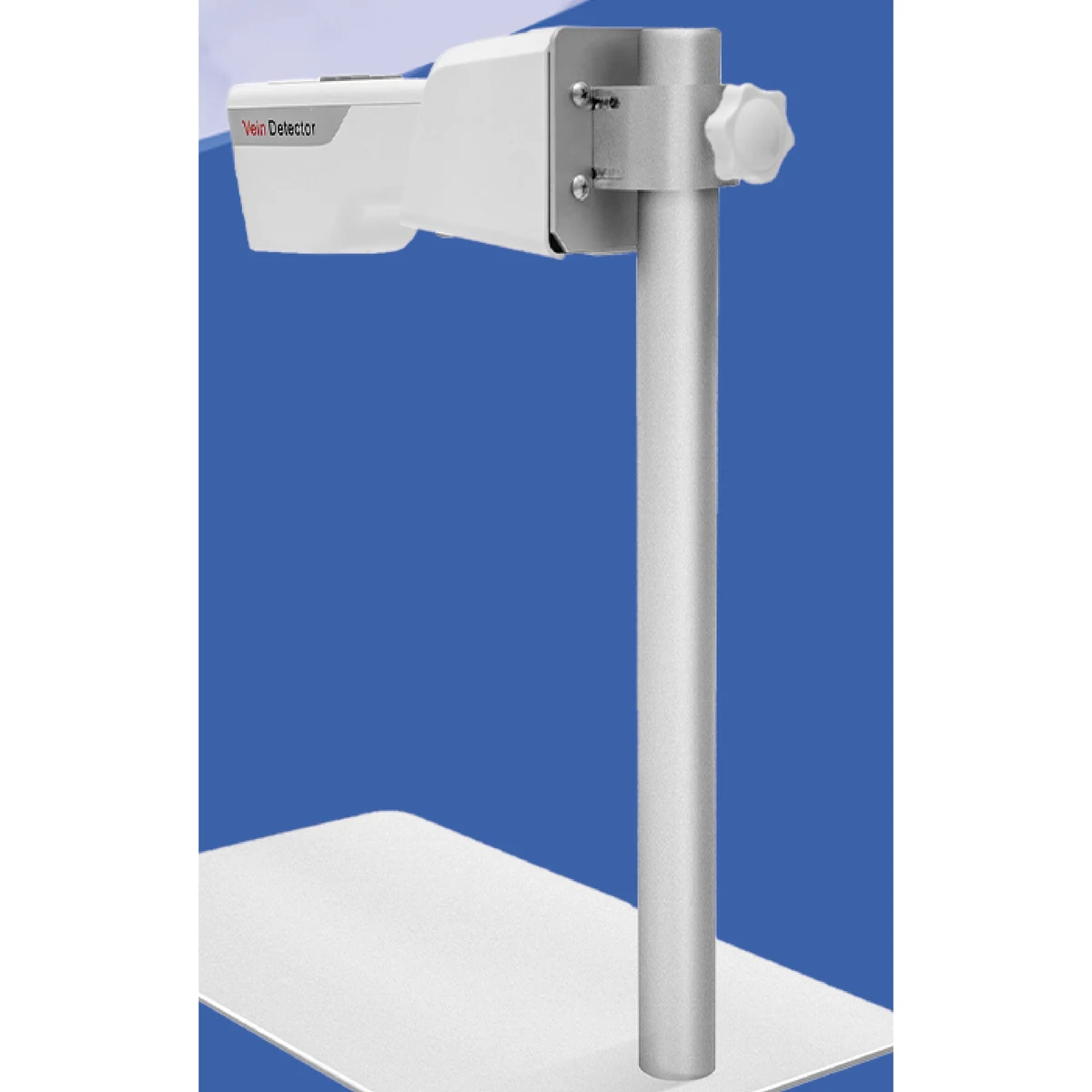
The main unit weighs no more than 0.5KG and is under 220mm in length. It runs on an Intel Atom processor with a WIN 8.1 operating system. Stand options include table stand or trolley, which are optional extras. The charger allows the main unit and base to be separated. Imaging modes include Bright, BWCC, Depth-recognition, Enhanced, and Pause. Power specifications and configuration details are confirmed per enquiry; commercial terms are agreed individually.
Other Vein Detector records are listed in the same catalogue section; send an enquiry for configuration and terms.
| Imaging Method | DLP in-situ projection, non-laser |
|---|---|
| Maximum Detection Depth | >=10mm |
| Infrared Wavelength | 850NM |
| Rated Power | 25VA |
| Standby Time | >=180 min |
| Charging Time | 3 hours (Off state) |
| Image Resolution | 854 x 480 |
| Projection Brightness | 1W 20 Lumens (adjustable) |
| Alignment Accuracy | <=0.2mm |
| Imaging Distance Range | 200mm to 250mm |
| Main Unit | Weight <=0.5KG, length <=220mm |
| Projection Color | white, green, red, three colors can be switched |
Frequently asked questions
What are the main technical parameters of the VE-40?
The unit operates at an infrared wavelength of 850NM, with a maximum detection depth of at least 10mm. It provides image resolution of 854 x 480 and alignment accuracy within 0.2mm. The imaging distance range is 200mm to 250mm. Rated power is 25VA. These figures are taken directly from the specification catalogue text.
How does the power and charging system work?
The device has a standby time of at least 180 minutes. Full charging takes 3 hours when the unit is in the off state. The charging method uses a charger, and the main unit and base can be separated for charging purposes. No additional battery specifications are provided in the catalogue data.
What configurations or accessories are available?
The VE-40 can be supplied with either a table stand or a trolley, both listed as optional. The unit includes three projection colours (white, green, red) and three working modes (normal, children, colour). Imaging modes include Bright, BWCC, Depth-recognition, Enhanced, and Pause. No other accessories or sibling models are specified.
How do I place an order or confirm delivery terms?
Ordering is handled on an enquiry basis. Commercial terms, including pricing, delivery schedules, and any specific configuration requirements, are confirmed per individual order. Contact Akicare with your requirements to receive a quotation tailored to your procurement needs.
Before ordering
Confirm the host system
Provide the system model and software or connector details when relevant.
Request current photos
Ask for model-specific photos and the stated condition of the offered item.
Review the quote scope
Check condition, compatibility, testing, timing and shipping before approval.
RELATED CATALOGUE ENTRIES
Compare nearby models before requesting a final match.
Related products
PRODUCT INQUIRY
Confirm this model against your system.
Include the system model, required condition or service, quantity and destination.